
Driver Partner - Educational Platform for Software Drivers

Driver Education
A clearer way to understand how computer drivers work.
Driver Partner explains the connection between your operating system and hardware devices in a simple, human way.
Drivers are the quiet communication layer behind everyday computing.
When a printer receives a document, when speakers produce sound, when a display shows movement, or when a network adapter connects to the internet, a driver helps the system and the device understand each other. Our goal is to make that hidden communication easier to read.
What this section teaches
You will learn how different driver types support different parts of a computer: printers, scanners, sound devices, display hardware, USB devices, Bluetooth accessories, network adapters, chipset components, and system-level firmware.
Device Communication
Understand how drivers help hardware receive instructions from the operating system.
Hardware Behavior
Learn why each device type needs its own way of reading, responding, and sending data.
System Understanding
Explore how drivers fit into the wider computer system without making the topic feel complex.
Practical Concepts
Read clear explanations that connect technical ideas with real devices people use daily.
Built for learners who want the concept, not confusing technical noise.
This about section keeps the focus on education. It explains the role of drivers as a bridge between software instructions and hardware response, using simple language and clean structure. The purpose is to help visitors understand the topic comfortably before exploring deeper driver categories.
Explore driver topics through clear learning paths.
Our driver library is arranged by hardware categories, helping you understand how different devices communicate with a computer system through dedicated driver layers.

Printer Drivers
Printer drivers translate documents and images from your computer into precise language for your hardware, managing margins, ink usage, and mechanical movement.

Scanner Drivers
Scanner drivers manage the bridge between your computer and imaging hardware, controlling mechanical sensor movement and converting light into digital files.

Audio Drivers
Audio drivers translate digital data into physical vibrations for speakers. They manage timing and signal purity to ensure high-fidelity sound and recording.

Audio & Video Drivers
Audio and video drivers synchronize digital signals for both sound and motion, ensuring perfect alignment between your speakers and display for clear media.
Continue through the full driver library.
Browse more categories and learn how each hardware type connects with the operating system.
Drivers help every device speak the same language as your computer.
A computer is made of many different parts, but those parts do not naturally understand the operating system. Drivers create the communication path that allows hardware and software to work together.
When you print a document, hear sound, connect to Wi-Fi, scan a file, plug in a USB device, or view graphics on screen, a driver helps translate system instructions into actions the device can understand.
Learning about drivers helps users understand why different hardware needs different communication rules. It also explains how the operating system recognizes devices, sends instructions, receives responses, and keeps everything organized.
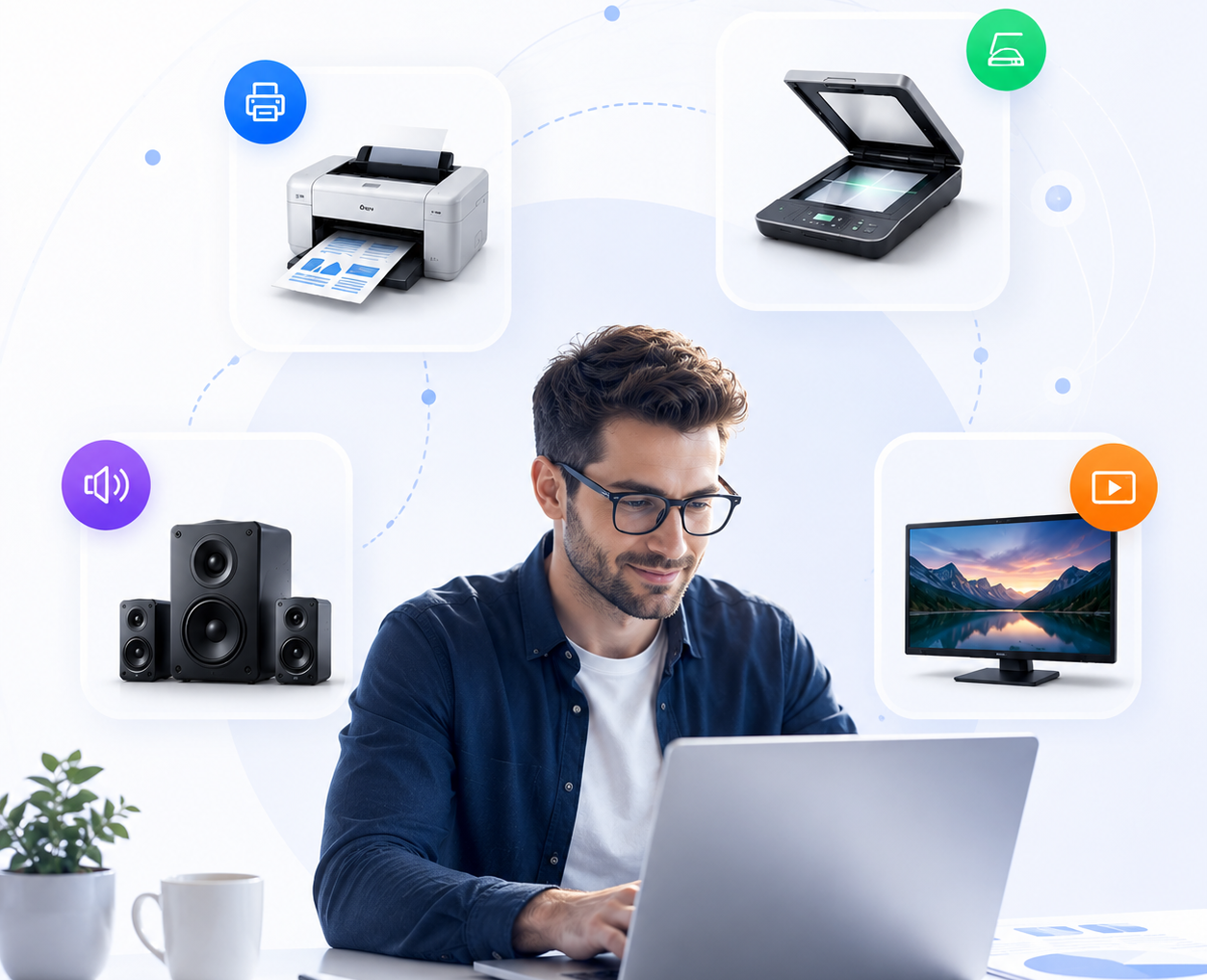
Drivers form the learning bridge between system commands and real hardware response.
What a driver makes possible
A driver does not replace the hardware and it does not act like the hardware itself. Instead, it gives the operating system a structured way to communicate with that device. This is why different devices need different driver types: a printer handles page layout, an audio device handles sound signals, a graphics card handles visual instructions, and a network adapter handles data movement.
Device Recognition
Drivers help the system identify what type of hardware is connected and how it should be understood.
Instruction Translation
They translate system-level commands into device-specific language so the hardware can respond correctly.
Hardware Response
Drivers also help the device send information back to the operating system after an action is performed.
System Coordination
They allow many devices to work together without the user needing to understand every internal detail.
Category Understanding
Studying drivers by category makes it easier to understand printers, scanners, audio devices, displays, USB, and networks.
Better Technical Awareness
Driver education gives learners a clearer picture of how daily computer actions happen behind the screen.
Common signs that driver communication is not clear.
Hardware issues are often seen as sudden problems, but many visible symptoms come from broken communication between the operating system and a device. These examples help learners understand what driver-related communication gaps can look like in everyday computing.
No Sound Output
A connected speaker or headphone may stay silent when the system cannot clearly pass audio instructions to the sound device.
This helps explain how audio drivers carry sound information between software and hardware.
Unstable Connectivity
Wi-Fi or network drops can appear when the network adapter and operating system are not exchanging connection data smoothly.
This makes network drivers easier to understand as communication managers.
Visual Display Problems
Screen flickering, stretched resolution, or display distortion can happen when visual instructions are not interpreted correctly.
Graphics drivers help explain how pixels, motion, and screen output are controlled.
Printer Communication Gaps
A printer may appear offline or unresponsive when the computer cannot clearly send print instructions to the device.
Printer drivers show how documents become printable commands.
Unrecognized USB Devices
A USB device may not appear correctly when the system cannot identify the connected hardware type.
USB drivers help explain device recognition and basic plug-in communication.
Input Response Delay
A delay between user action and screen response can sometimes relate to how device input is being processed.
This is useful for understanding keyboards, mice, touchpads, and controller drivers.
Bluetooth Pairing Confusion
Wireless accessories may fail to pair when the system and device cannot complete their communication exchange.
Bluetooth drivers help explain short-range wireless device communication.
System Freezing During Device Use
A system may freeze when a device interaction becomes difficult for the operating system to manage.
This helps learners understand why stable driver communication matters.
Simple answers about driver education.
Learn the basic role of drivers, how they connect devices with the operating system, and why they matter in everyday computing.
Want to explore more driver topics?
Browse the learning library for category-based driver explanations.